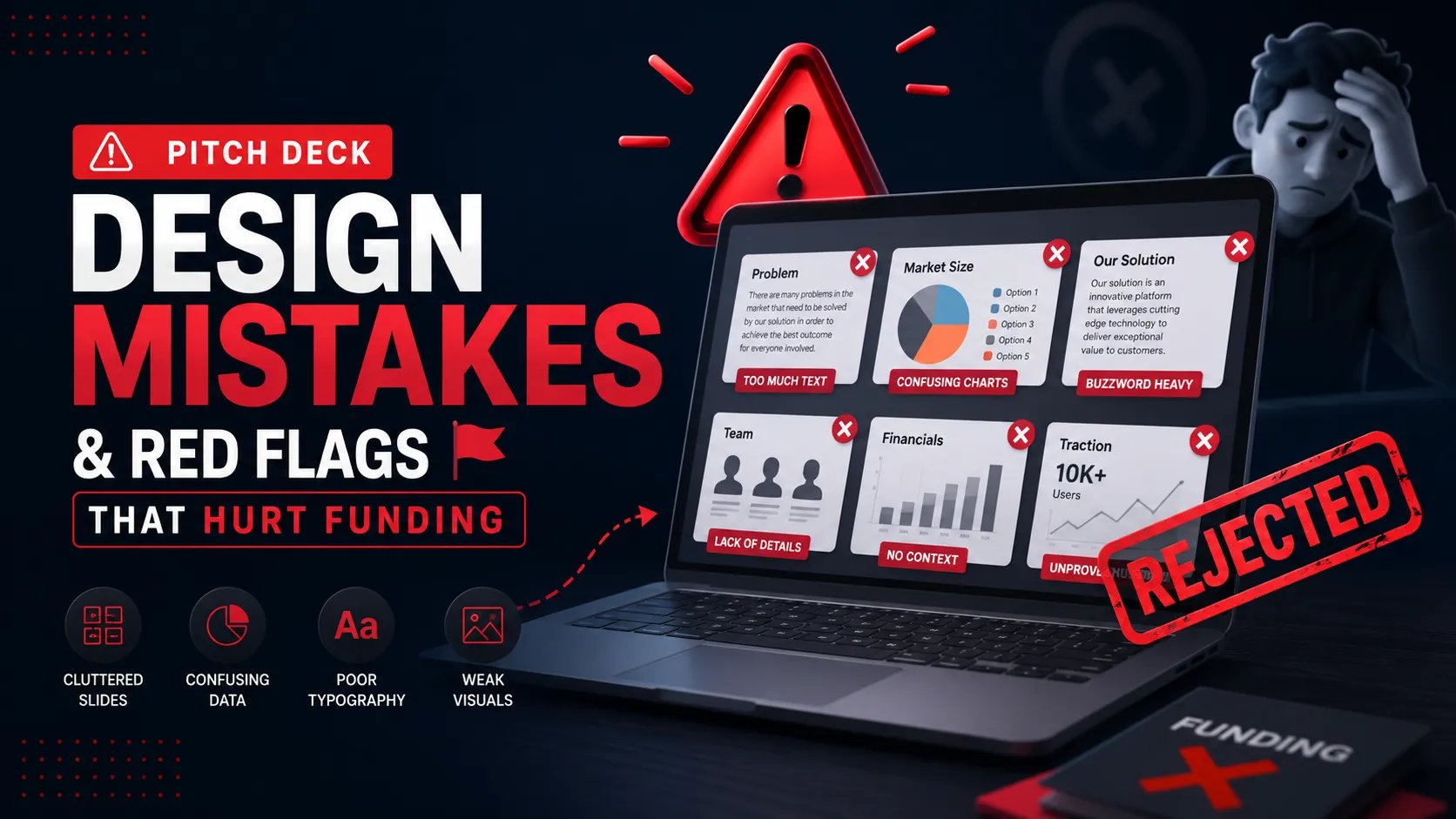
Pitch Deck Design Mistakes & Red Flags: The Silent Deal-Killers
Eliminate the silent deal-killers. Learn the 2025 pitch deck design red flags—from 'Canva traps' to 'chart crimes'—that trigger VC skepticism in the US, UK, and Canada.
PILLAR 6: DESIGN PRINCIPLES
12/26/20255 min read


Pitch Deck Design Mistakes & Red Flags: The Silent Deal-Killers
In the venture capital hubs of London, New York, and San Francisco, an investor’s first interaction with your company is a visual one. While founders obsess over their Unit Economics, they often neglect the "Visual Logic" of their presentation. In 2025, design is no longer just about aesthetics; it is a proxy for Operational Grip and Metric Integrity.
The brutal truth? A poorly designed deck is a "Red Flag" for a poorly run business. If you cannot align a text box on a slide, a VC assumes you cannot align a product roadmap or a cap table. To win a Series A funding round, you must eliminate the design "friction" that triggers investor skepticism. Behind closed doors, "sloppy design" is often the polite reason given for a "lack of conviction."
This sub pillar is part of our main PILLAR 6 — DESIGN PRINCIPLES
Key Takeaways: The Red Flag Audit
The "Template" Signal: Using recognizable, generic templates suggests a lack of original thought and low Information Gain.
Chart Crimes: Truncated axes and cumulative growth curves are terminal for trust; they signal Metric Dishonesty.
Cognitive Overload: Cramming too much data onto a single slide triggers "System 2" skepticism and mental fatigue.
The "Visual Jargon" Trap: Over-complicated diagrams and inconsistent iconography signal a lack of clarity in the business model.
Regional Calibration Failures: "Hype" designs fail in London/Toronto; "Muted" or "Boring" designs fail in San Francisco.
1. The "Canva" Trap: The Red Flag of Low Effort
In 2025, VCs see thousands of decks. They can spot a standard Canva or PowerPoint template from the thumbnail.
The Problem: Zero "Information Gain"
Using a template that everyone else uses tells the investor: "I haven't done the work to build a unique brand identity." It suggests that your Founder-Market Fit is shallow.
The Red Flag: If your deck looks like a "Generic Startup," an investor will assume your margins and growth are also generic.
The Fix: Move beyond templates. Use a Design System with bespoke Layout, Spacing, and Alignment. Your deck should look like it belongs to your company, and no one else’s.
2. "Chart Crimes": The Integrity Red Flag
Nothing ends a meeting faster in NYC or London than a misleading chart. VCs are forensic experts; they will find the manipulation.
Common Chart Red Flags:
The Truncated Y-Axis: Starting a growth chart at $1M instead of Zero to make a flat line look like a "Hockey Stick."
The Cumulative Growth Curve: Showing "Total Users" over time. This chart never goes down, even if your business is failing. It hides Churn and stagnation.
The Scale Mismatch: Using different scales on a dual-axis chart to force a correlation between two unrelated metrics.
The Signal: These aren't just design mistakes; they are "Trust Red Flags." They suggest the founder is trying to hide the "Ugly Truth."
3. The "Wall of Text": The Cognitive Load Red Flag
A common mistake in the Series A funding stage is trying to "prove" value through volume. Founders fill slides with 10pt font and dozens of bullet points.
The "Cognitive Strain" Effect
When an investor sees a cluttered slide, their brain enters a state of "Strain." This triggers the analytical, skeptical part of the brain. They start looking for reasons to say "No" rather than listening to your vision.
The Red Flag: "If this founder cannot distill their business into 12 slides, they will struggle to manage a 50-person team or a complex GTM strategy."
The Fix: Use the Assertion-Evidence model. One big headline, one big visual. Put the "Walls of Text" in the Appendix.
4. Visual Inconsistency: The "Sloppiness" Signal
Inconsistent design is a silent deal-killer. It triggers a subconscious feeling of "instability."
The Anatomy of Sloppiness:
Inconsistent Fonts: Using three different font families across 15 slides.
Color Drift: Using "slightly different" shades of your brand color.
Misalignment: Text boxes that are off by 3 pixels.
The VC Thought: "If they don't have the attention to detail to fix their deck, how is their code? How is their accounting?"
The Signal: Design consistency is a proxy for Product Quality.
5. The "Mystery Icon" Trap: The Clarity Red Flag
Founders often use icons to "look techy," but they choose icons that don't actually represent the data.
The Mistake: Using a "Rocket" for Customer Support or a "Brain" for Sales.
The Red Flag: If the icons don't match the concepts, you create "Visual Friction." The investor has to stop and think, "Why is there a rocket there?" This breaks the narrative flow.
The Fix: Use a consistent Icon Family where every symbol has a 1:1 relationship with the text. Icons should act as "Visual Shorthand," not decoration.
6. Regional Design Mismatches: The Cultural Red Flag
Raising in different regions requires different "Visual Dialects."
The SF Red Flag: A deck that looks like a "Corporate Report" (too much grey, too much serif font). SF VCs will think you lack Outsized Ambition.
The London/Toronto Red Flag: A deck that looks like a "Hype Video" (too many neon colors, too many "revolutionary" claims). These investors value Pragmatic Vision and will view "Hype Design" as a mask for weak Unit Economics.
7. The "Full-Bleed" Distraction: The Focus Red Flag
While high-resolution images are great for the Vision slide, using "Full-Bleed" images (images that cover the whole background) behind data slides is a disaster.
The Problem: It makes the text and charts unreadable. It creates "Visual Noise."
The Red Flag: It signals that the founder cares more about "Vibe" than "Value."
The Fix: Keep your data slides clean. Use a white or light-grey background. Reserve the "Full-Bleed" imagery for the Origin Story or the Final Close.
8. Semantic Innovation: The "Static Demo" Red Flag (New Information)
In 2025, a major red flag is the "Vision-Only" Demo. Founders show beautiful UI mockups but never show the "Real" product.
The Red Flag: Investors are tired of "Vaporware." If your deck only features stylized Figma renders, they will assume the product doesn't exist or doesn't work.
The Fix: Include "Raw" screenshots or short, embedded video clips of the actual software. Show the "Grit."
The Signal: This provides Information Gain. It proves that your story is grounded in technical reality. It builds Oxytocin (Trust) by showing you have nothing to hide.
9. The "Ghost" in the Slide: What to Delete
To maintain maximum E-E-A-T (Expertise, Authoritativeness, and Trustworthiness), you must eliminate these visual "junk" elements:
Stock Photos of "Handshakes": These are the ultimate red flag for a lack of authenticity.
Generic "Awards" Logos: Unless it's a "Forbes 30 Under 30" or a major industry award, nobody cares. It looks like "Padding."
QR Codes on the First Slide: It’s a distraction. You want them looking at you, not their phones.
The "Trench" Report: The $10M "Over-Design" Disaster
I once saw a founder in New York who spent $20,000 on a professional "Design Agency" to make his deck look like a futuristic movie poster. Every slide had animations, 3D shadows, and glowing text.
The consequence? The Lead Partner at a top-tier firm said, "This is beautiful, but I have no idea how you actually make money. It feels like you’re trying to distract me with shiny objects." The Result: The deal died because the "Design" overwhelmed the Information. The Lesson: Design should be the "Glass" through which the investor sees your business. If the glass is too colorful, they can't see the business. Simplicity is the ultimate sophistication in fundraising.
Expert FAQ: The Design Audit
Why is "Dark Mode" a risk?
While it looks cool on an iPad, if an investor in London decides to print your deck (which they still do), it will come out as a soggy, ink-drenched mess. Always have a "Light Mode" version ready for institutional rounds.
Should I use "Transitions" between slides?
No. In 2025, most decks are viewed via DocSend or shared screens. Transitions often lag or glitch over Zoom, making you look technically incompetent. Use "Static" transitions only.
How do I know if my deck has too much "Visual Noise"?
Perform the "Squint Test." Squint your eyes at a slide. If you can't tell where the most important number is within 3 seconds, the slide has too much noise.
Summary Checklist: The Red Flag Audit
Chart Integrity: Do all charts have a zero-baseline? No cumulative curves?
Text Density: Is every font size at least 18pt? No "Walls of Text"?
Authenticity: Have you deleted all stock photos?
Alignment: Is every element snapped to a 12-column grid?
Regional Fit: Does the "Vibe" match the culture of the fund?
Information Gain: Does the design help deliver a Unique Insight, or is it just filler?
Funding Blueprint
© 2025 Funding Blueprint. All Rights Reserved.